
The Edge Blog · BoldTrail Tutorials · September 9, 2024 · 3 min read
Promote a Listing to Matching Buyers
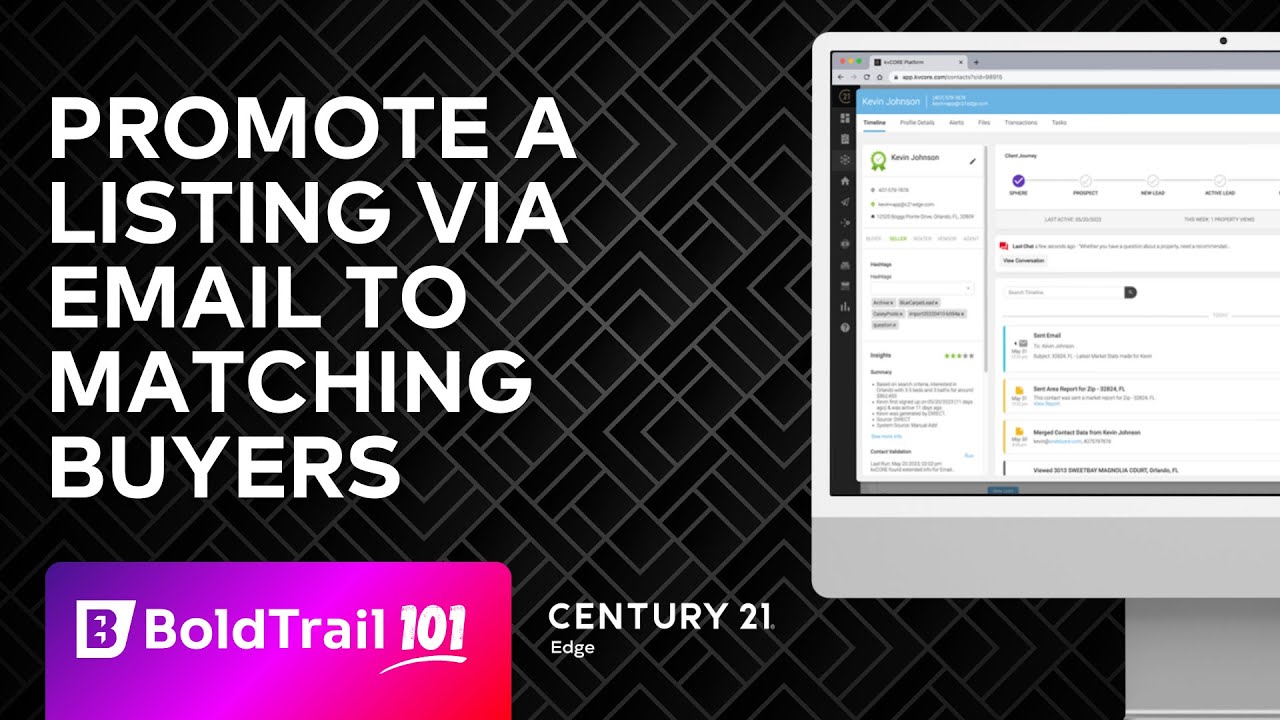
WATCH THE VIDEO Looking to match your new listings with potential buyers in your database? Our step-by-step guide shows you how to use Bold Trail's powerful "Matching Buyers" feature to instantly connect your listings with interested…
WATCH THE VIDEO
Looking to match your new listings with potential buyers in your database? Our step-by-step guide shows you how to use Bold Trail's powerful "Matching Buyers" feature to instantly connect your listings with interested customers. In less than a minute, you can identify perfect-fit buyers and send them beautifully formatted listing emails using our pre-built templates. Watch how to leverage this time-saving real estate tool that helps you market properties efficiently while providing value to your buyer customers. This quick tutorial demonstrates the complete process from finding matches to sending professional listing announcements.
READ THE TRANSCRIPT
Have you ever wanted to send a new listing to all the buyers in your Bold Trail database that are just the perfect match for that home? Well, in today's quick video, I'm going to show you how to do that and how you can do that in less than a minute.
All right, so let's jump over here into Bold Trail. I have up on the screen a listing here that we're going to use as our training reference. First thing I'm going to do is I'm just going to copy, highlight and copy my MLS number, and then I'm going to click here on the "Matching Buyers" tab.
So right across here we have a couple different options, the last one being our "Matching Buyers," and it's going to show us every buyer that we have in our database that's a match for this property. In this case we have a bunch, but for illustration purposes, going to send up to 250 at a time, I'm just going to pick the first three.
So once I pick my first three people, I'm then going to go ahead and click this little "Mass Email" button. I'm going to add my MLS ID, I'm going to select the property, I'm going to click on "Use Advanced Editor." Yes, I'm sure.
I'm then going to go into here and if you've had a template created already, you can use it. For our Century 21 Edge agents, we've already created an amazing template for you that we know works. So just type "New Listing" and it's going to be the one with the check mark. So a green check mark, Century 21 Edge English option, and it's already built out with the header image, the greeting, the main listing image will populate, basic facts will populate, a button which will take them directly to your website to view the listing, and then of course your ending and your full footer if you will with your photo. Everything pops in.
We're done, we don't have to do anything. We want to make sure we turn off "Include Signature," so please make sure you check off, if you're using this template, "Include Signature" because it's already here. You don't want to add a signature below that, and then you're literally done. You would just hit send and that listing is off to the races.
I'll go ahead and do that, boom, and it's gone. It's already been sent and we're done. That's it, that's all you have to do to email a listing to all of your matching buyers. So these are anybody that's looking for a similar house, similar price point, that area.
Hope you enjoyed it. Go out there, put this tip to work. This can work for any listing in the MLS, so go in there and start looking at all the new listings that hit the market every day and see if they're a match for any of your buyers, and you can start sending off one-off really beautiful listing emails to your customers.